
SpinsUP Mobile App for Canadian Players
We designed the SpinsUP Mobile App to give players in Canada the same secure, full-featured experience available on desktop. Whether you prefer to play slots, live casino games, or table games, you can do so directly from your mobile browser without missing any features. The SpinsUP App includes access to promotions, bonuses, payments, and 24/7 support.
Our platform is operated by a licensed provider under the Curaçao Gaming Control Board, offering fair gaming and encrypted data protection. Players can choose between English and Français (CA), use CAD as their currency, and deposit with Canadian-friendly methods like Interac. The Mobile App is optimized for modern browsers and runs smoothly on both SpinsUP Android and SpinsUP iOS devices.
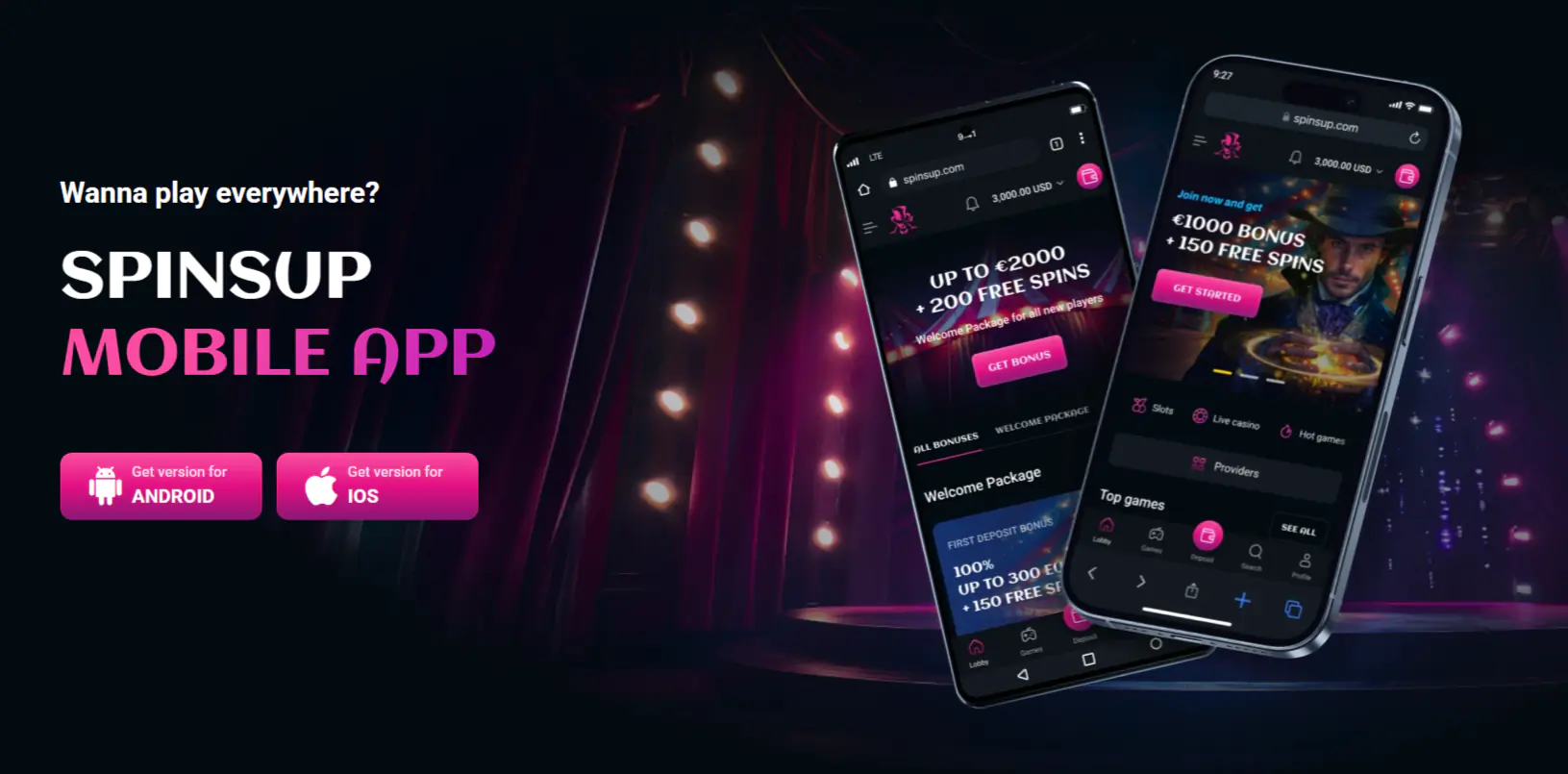
Download and Installation
The SpinsUP App is a browser-based Progressive Web App (PWA), which means it doesn’t require downloading from the App Store or Google Play. Instead, you can install it directly from your browser in seconds.
For SpinsUP Android users (Chrome):
- Open the official site in Chrome.
- Tap the menu icon (⋮).
- Choose “Add to Home Screen” and confirm installation.
For SpinsUP iPhone or SpinsUP iOS users (Safari):
- Open the site in Safari.
- Tap the Share icon.
- Select “Add to Home Screen,” then tap Add.
After installation, the SpinsUP Mobile App icon will appear on your home screen, giving you one-tap access to your account, games, and cashier.
Registration
To create a new account through the App, tap Sign Up and fill in your details. You’ll need to provide your name, email, password, and preferred currency (CAD). After submitting, verify your email address by following the confirmation instructions.
Once your profile is active, you can upload documents under the Documents tab for account verification (KYC). This step helps speed up withdrawals and ensures compliance with responsible gaming standards.
If you need assistance during registration, our support team is available 24/7 via live chat and email.
Login
To log in, tap Sign In on the home screen of your SpinsUP App and enter your email and password.
If you’ve forgotten your password, select Forgot Password to reset it securely. All login sessions on the SpinsUP Mobile App are protected with SSL encryption. Live chat support is available at any time if you encounter issues accessing your account.
Account Settings
Through the Mobile App, you can manage your preferences and account security:
- Verify Your Account: Upload your ID, proof of address, or payment documents under the Documents tab (accepted formats include PDF, JPG, and PNG).
- Set Limits: Activate responsible gaming tools such as session time limits or deposit limits.
- Adjust Preferences: Switch between English and Français (CA), manage notifications, and update personal details.
These options help you maintain full control over your gaming activity while using the SpinsUP App.
Mobile Slots
The SpinsUP Mobile App provides an extensive lobby optimized for smaller screens. Categories include:
- Slots (classic, video, and 3D)
- Megaways and Bonus Buy titles
- Jackpots and Drops & Wins
- Instant Win and Hold & Win games
- Live Casino (Roulette, Blackjack, Baccarat, Poker, Game Shows)
Most games in the SpinsUP app offer a “Play for Fun” mode so you can test gameplay before placing real wagers. Popular providers ensure smooth performance on both SpinsUP Android and SpinsUP iOS devices.
Bonuses and Promotions

Players using the App can claim the same offers as desktop users. The Welcome Package includes up to $5,000 CAD + 300 Free Spins across four deposits:
- 1st Deposit: 100% up to $1,000 + 100 Free Spins
- 2nd Deposit: 50% up to $1,000 + 50 Free Spins
- 3rd Deposit: 50% up to $1,500 + 50 Free Spins
- 4th Deposit: 75% up to $1,500 + 100 Free Spins
Ongoing promotions include weekly reloads and free spin offers. The standard wagering requirement is 40x, and the maximum bet while wagering is 5 CAD.
All bonuses and free spins are available through the Promotions section in the SpinsUP App. Always read the bonus terms before opting in.
Application Update
Because the Mobile App is browser-based, updates are automatic. You’ll always have the latest version without downloading anything from the store.
If you don’t see new features or games:
- Refresh your browser or relaunch the SpinsUP App.
- Clear your browser cache and reopen.
- On SpinsUP Android, remove and re-add the home screen icon.
- On SpinsUP iPhone or SpinsUP iOS, delete and reinstall the home screen shortcut.
Methods of Depositing and Withdrawing Winnings
The SpinsUP Mobile App supports popular and secure Canadian payment methods.
Deposits (Instant, No Fees):
- Visa, Mastercard, Maestro
- Interac e-Transfer
- iDebit, Paysafecard
- Skrill, Neteller, ecoPayz
- MiFinity, Neosurf, MuchBetter
- Cryptocurrencies (BTC, ETH, LTC, BCH, DOGE, USDT)
Withdrawals:
- Cards: 1–3 business days
- Bank Transfer: 5–7 business days
- E-wallets: Usually instant after approval
- Crypto: Often instant once processed
Ensure your account is verified before requesting a withdrawal.
Customer Support
We provide 24/7 support directly through the Mobile App. Use the live chat icon for instant help or email our support team.
You can also visit the Help Centre and FAQ from your mobile menu for step-by-step guides.
Responsible Gaming
The SpinsUP Mobile App includes several responsible gaming tools to help you stay in control. You can:
- Set Session Limits or Deposit Limits
- Request Temporary Time-Outs
- Apply for Self-Exclusion
All tools are accessible from your account settings or by contacting support. If you need professional help, you’ll find links to independent assistance services in the footer.
FAQ
Is there a SpinsUP mobile app available for download?
Yes. The SpinsUP Mobile App is a Progressive Web App that you install directly from your browser. It works seamlessly on both SpinsUP Android and SpinsUP iOS devices.
Can I register a new account from my mobile device?
Yes. You can complete registration through the SpinsUP App, verify your email, and upload documents directly from your mobile device.
Are all games available on mobile?
The majority of games are optimized for mobile use. You can access slots, Megaways, Bonus Buy titles, table games, and live dealer options through the SpinsUP Mobile App.
Can I claim bonuses from my phone?
Yes. All bonuses, including the Welcome Package and weekly offers, are available through the SpinsUP App. Make sure to check the wagering requirements before activating any bonus.
How do I update the mobile app?
Updates are automatic. Simply refresh or reopen the Mobile App. If issues persist, clear your cache or reinstall the shortcut on SpinsUP Android or SpinsUP iPhone.
Is customer support available on mobile?
Yes. Live chat and email support are available 24/7 within the App.
Are mobile payments secure?
Yes. All transactions through the mobile app are encrypted. We support trusted Canadian payment options, including Interac, major cards, e-wallets, and cryptocurrencies.